

SAVE YOUR CHATGPT CHATS.
RELOAD THEM ANYTIME.
Rapelle saves your ChatGPT and Claude conversations and files locally on your device. When you start a new AI session, arm a saved chat and Rapelle silently injects that context — so your AI picks up exactly where you left off.
 Chrome Extension
 macOS
macOS Windows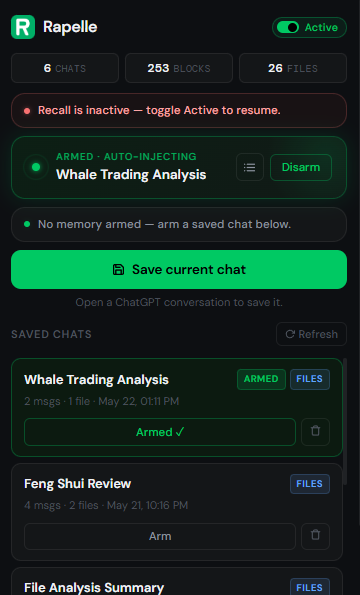
How to save and reload ChatGPT chats
Three steps. No prompt engineering. Works on any ChatGPT or Claude conversation.

Save your chats
Open any ChatGPT or Claude conversation and click Save in the Rapelle extension. It captures the full chat — messages, code, files, and attachments — and stores everything locally on your device.
- One click from any ChatGPT or Claude conversation
- Saves the full conversation, not just a summary
- Attached files and PDFs saved alongside the chat

Browse and find old chats
All your saved chats appear in the Rapelle panel. You can see what was discussed, how many files were attached, and when it was saved. Everything is searchable and stays on your device.
- See all saved chats and their attached files
- View a summary of any saved conversation
- Delete chats you no longer need

Reload context into a new chat
Arm a saved chat and Rapelle silently injects the conversation's full context into your next AI prompt. No copy-pasting, no prompt engineering — the model reads your prior work and continues seamlessly.
- Context injects automatically on your first message
- Injects once — the AI remembers the rest of the thread
- Disarm anytime to stop loading that context
What Rapelle does
Simple tools for saving, organizing, and reloading your AI conversations
Save ChatGPT Conversations
Save any ChatGPT or Claude chat with one click. The full conversation is stored locally in your browser — messages, code blocks, and attached files included.
Reload Previous Context
Arm a saved chat and Rapelle auto-injects that context into your next AI session. Perfect for vibe coding workflows — continue a coding session, resume a research thread, or reload a project brief without re-explaining anything.
Save PDFs, Code Files, and More
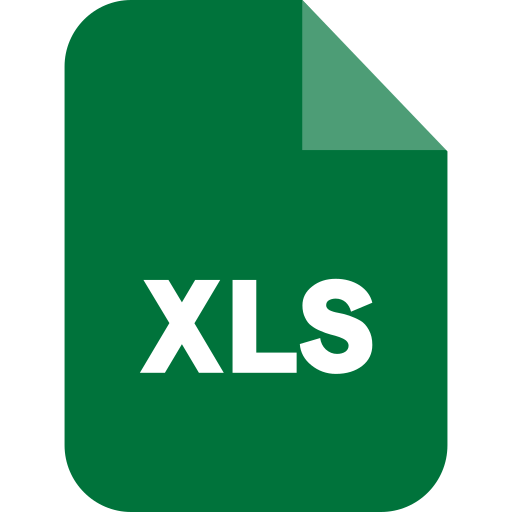
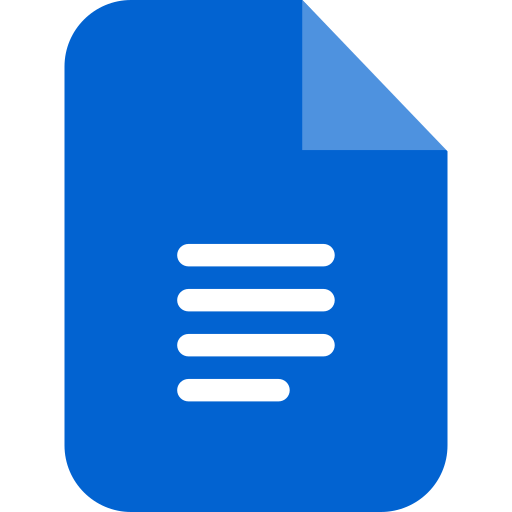
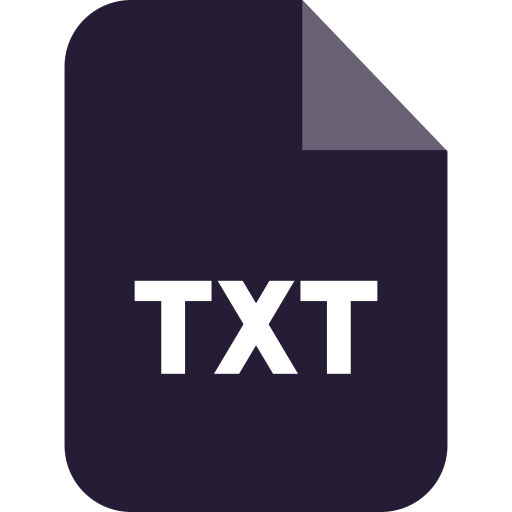
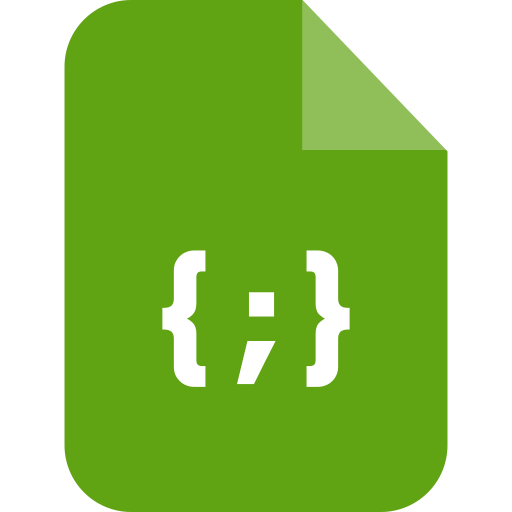
Attach PDFs, spreadsheets, Word docs, markdown, JSON, CSV, code files, and plain text. Rapelle saves them alongside the conversation and loads them back with it.
Everything Stays on Your Device
Rapelle uses your browser's built-in storage (IndexedDB). Nothing is uploaded to our servers. Your conversations stay private and local.
Chat Summaries
Not sure what's in a saved chat? Generate a quick AI summary to see what was discussed, what files are attached, and what was decided — before injecting that context into a new session.
Active / Inactive Toggle
Turn Rapelle off when you don't need it. When inactive, it does nothing — no interception, no injection. Flip it back on when you're ready to save context or resume a vibe coding or research session.
Supported ChatGPT attachments and file types
Save these file types alongside your conversations and reload them into new ChatGPT or Claude chats



Private by design
Your AI conversations are personal. Rapelle keeps them that way.
Frequently asked questions
Where are my saved ChatGPT chats stored?
Everything is stored locally in your browser using IndexedDB — a standard browser storage API. Your conversations and files never leave your device and are never uploaded to any server, including ours.
Does Rapelle work with ChatGPT Free and Plus?
Yes. Rapelle works at the browser level on the ChatGPT website and is compatible with both Free and Plus accounts. It may not work correctly in managed workspaces or enterprise environments where browser extensions are restricted.
Does Rapelle work with Claude?
Yes. Rapelle supports Claude in addition to ChatGPT. You can save conversations from Claude and reload them into new Claude or ChatGPT threads the same way.
Can I save PDFs, spreadsheets, and code files from ChatGPT?
Yes. When you upload a file to ChatGPT or Claude and save that conversation with Rapelle, the file is extracted and saved alongside the chat. Supported formats include PDF, XLSX, DOCX, TXT, MD, CSV, JSON, and most code file types.
What happens when I reload a saved chat — does the whole thing get sent to ChatGPT?
Yes, for most conversations. When you arm a saved chat, Rapelle injects the full saved content into your first message — so the AI immediately has your prior code, decisions, and context. For very large saved chats (roughly over 80,000 characters), Rapelle loads the most relevant parts using BM25 ranking. Most conversations are well within the limit.
How much does Rapelle cost?
Rapelle is free to use with up to 5 saved chats. Rapelle Pro is $5.90/month and gives you unlimited saved chats.
Can I use Rapelle across multiple devices?
Not yet. Because everything is stored locally in your browser, saved chats are tied to the device and browser you saved them on. Cross-device sync is not available in this version.
Does Rapelle slow down ChatGPT or Claude?
No. Rapelle only activates when you send a message and a chat is armed. When nothing is armed or the extension is set to inactive, it does nothing at all — there is no background processing or performance impact.
Start saving your ChatGPT chats
Free to install. No account needed. Your chats stay on your device.