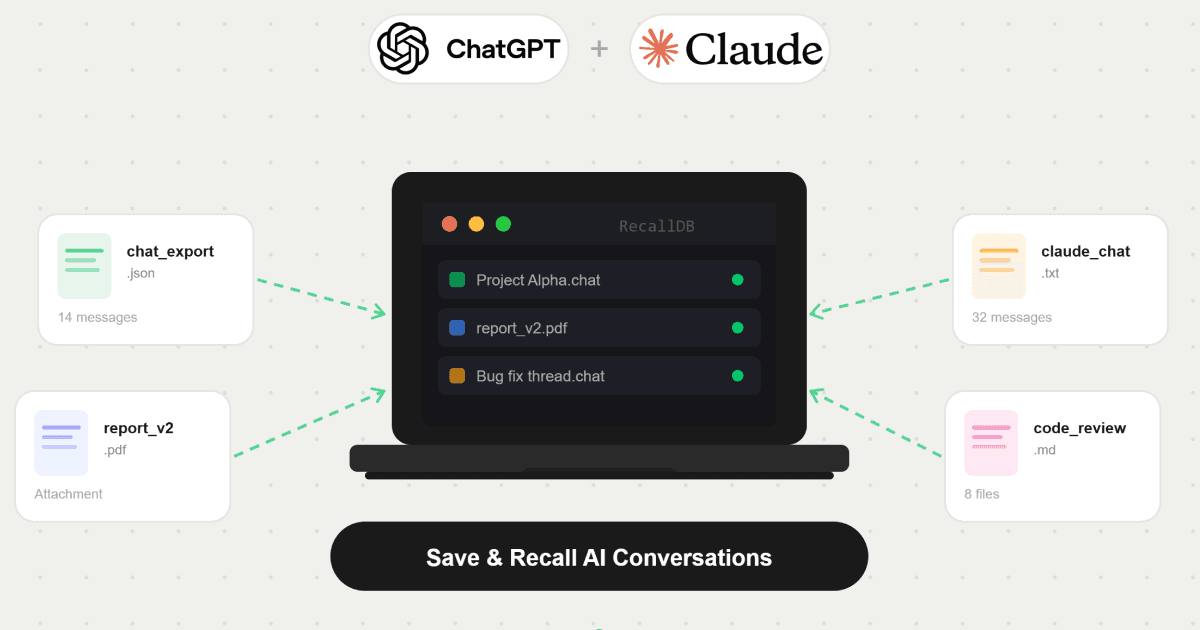
Why Saving ChatGPT Conversations Matters
Many professionals use ChatGPT as a research assistant, coding partner, writing tool, and project workspace. Unfortunately, important conversations often become buried under hundreds of chats. Without a proper backup strategy, valuable knowledge becomes nearly impossible to find weeks later — and expensive to recreate from scratch.
The Problem With ChatGPT Memory
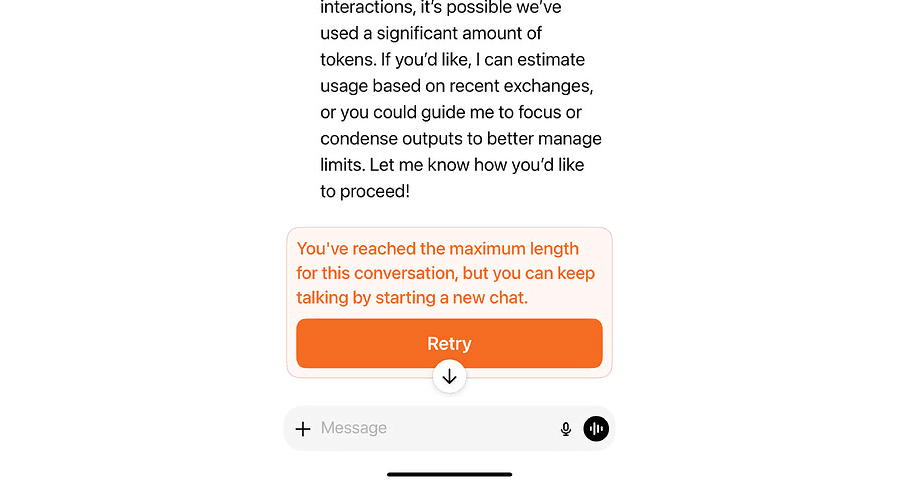
ChatGPT's built-in memory is useful for light personalization, but it is not a knowledge management system. Large projects, code snippets, uploaded PDFs, screenshots, and hours of research can become fragmented across dozens of separate conversations with no way to reassemble them. When you hit the context limit, that thread — and everything in it — is effectively gone.
How to Create a Searchable ChatGPT Archive
The most effective approach is a local archive that stores conversations, attachments, and project context in one place. This lets you reload that context into a fresh ChatGPT or Claude chat without retyping a word — the AI picks up exactly where you left off.
Unlike cloud-based tools, a local archive stores everything in your browser's IndexedDB — meaning no server ever sees your conversations.
Save ChatGPT Attachments and Files Too
Real AI workflows live in the attachments: PDFs you annotated, spreadsheets the model helped interpret, code files, screenshots. A proper memory solution has to preserve both the conversation thread and the files that gave it context. Otherwise you only save half the picture.
How Rapelle Helps
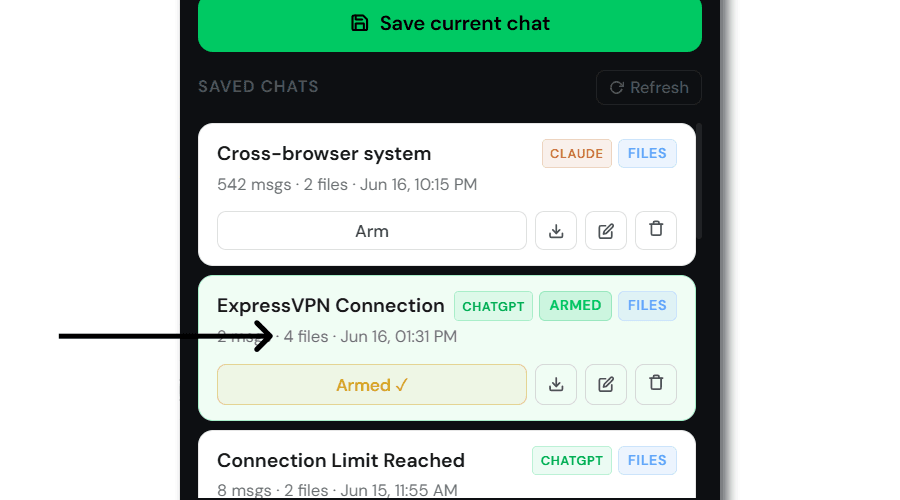
Rapelle is a Chrome extension that lets you manually save any ChatGPT or Claude conversation — along with every attachment — to a private local database on your machine. When you start a new session, Rapelle silently injects that saved context so the AI already knows your project. No copy-pasting. No re-explaining.
Final Thoughts
Whether you're a developer, researcher, founder, student, or power user, a reliable AI memory system can reclaim hours of repetitive setup work and keep your best thinking within reach. If you use ChatGPT or Claude seriously, saving your conversations is not optional — it's the foundation of a sustainable AI workflow.
Save conversations, attachments, and project context directly from ChatGPT and Claude — then reload them whenever you need them.
Add to Chrome — it's free